
Your clients.
Your brand. Your business.
NVRblink is a UK-built NVR platform for security installers and resellers — a plug-and-play Hub appliance, companion apps for every device, and a partner portal to manage, quote and invoice your clients, all sold and supported under your own name.
Designed, developed, and supported in the UK — never outsourced.
What we do
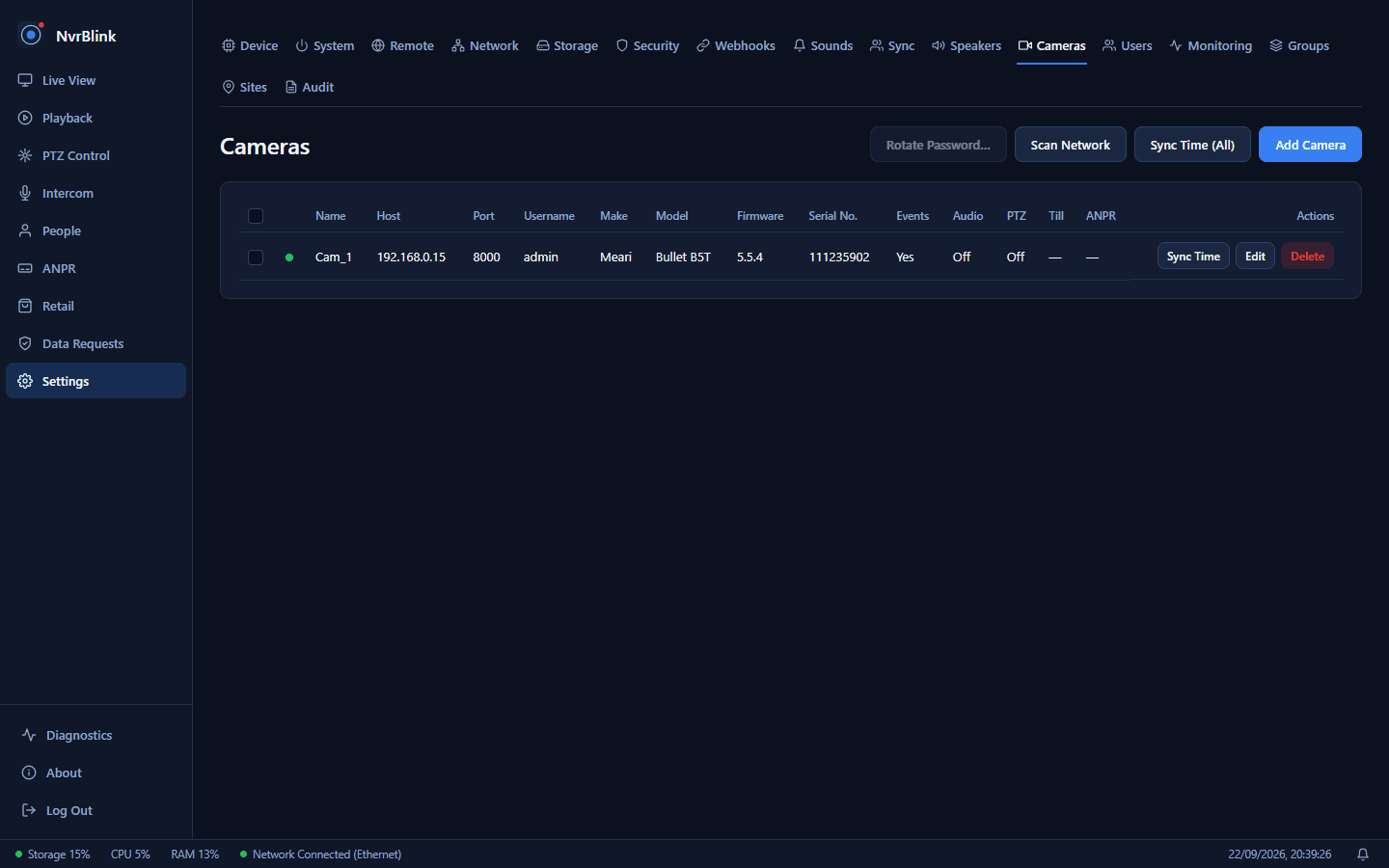
NVRblink Hub is a small, pre-built appliance that arrives ready to record — no separate PC or server to source or set up. Android, iOS, Windows and browser apps let your clients check in from anywhere, and your own partner portal ties it all together: remote management, job tracking, quoting and invoicing, in one login.
Why partner with us
Sell it under your own name
A fully custom-built NVR platform you brand, sell and support as your own — not a rebadged product you're locked into.
One partner portal
Remote device management and early warnings when a client's device needs attention, free with every login. Job tracking, quoting and invoicing are part of the optional annual Advanced package.
Mobile apps for your engineers
Check camera positioning, handle site visit tickets and pull up hardware inventory from your phone — real jobs handled without a second visit.
You set the price
Per-client licensing, a free hostname and cloud storage add-on on every device, and module-based pricing for Face Recognition, ANPR and more — you decide what to charge.
Security built in, not bolted on
Encrypted secrets, a tamper-evident audit log, two-factor authentication, and remote access that's off until you turn it on.
Free UK support and upgrades
Designed, developed and supported entirely in the UK. Every software upgrade is included — no separate maintenance contract.
Build your business on a platform that listens
NVRblink is under active development, and partner feedback directly shapes what gets built next. Tell us about your business, or see everything the platform does first.